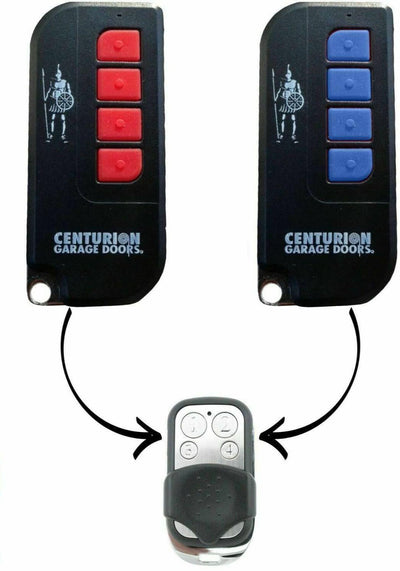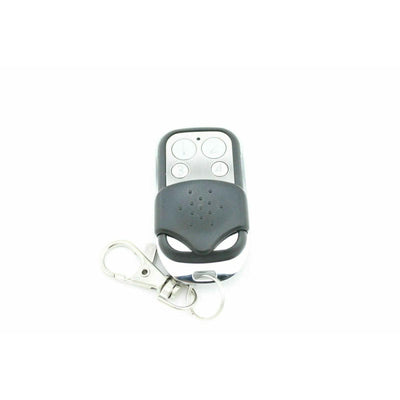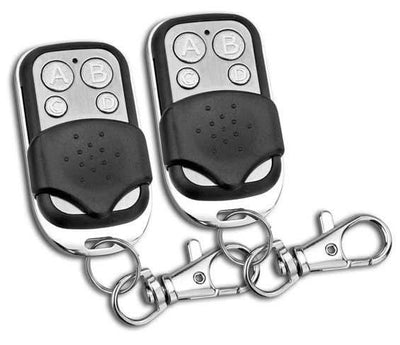

How to Program an Avanti / Centurion Compatible Garage Remote (TX4, MPS, DPS, SDO21/12)
Pairing a compatible Avanti or Centurion remote takes under five minutes using the red and blue buttons on the motor. No original remote needed.
- The new compatible remote with its battery fitted
- Access to the buttons and display on your Centurion or Avanti motor
- No tools required
Compatible Avanti and Centurion remotes pair directly with the motor. The motor is put into learn mode with two button presses, then it listens for the new remote. There is no code copying and you do not need an existing remote.
Applies to
Compatible replacement remotes for Avanti and Centurion garage door openers including the TX4, MPS, DPS and SDO21/12 T-series units with a red learn button, blue minus button and a two-character display.
Before you start
Find the small display and buttons on the motor. The two you need are the red learn button and the blue minus (-) button. Have the new remote in your hand with the battery fitted.
Independent programming guide for compatible replacement remotes. Brand and model names belong to their respective owners.
Step-by-step instructions
Press the red learn button
On the motor, press and immediately release the red learn button. The display on the motor changes to show 'bu'.
Press the blue minus button
Press and immediately release the blue minus (-) button. The display now shows 'ru', which means the motor is waiting for a remote.
Hold a button on the new remote
Press and hold the button on the new remote that you want to operate the door. Keep holding until the light on the motor strobes to confirm the code has been learnt.
Wait, then test
Wait about 5 seconds, then press the programmed button. The door should move. Repeat the steps for any additional remotes.