
How to Program a SEIP TM60 / SKR433-1 / SKRJ433 Compatible Remote (incl. Gryphon Stealth)
Pair a compatible SEIP TM60 / SKR433-1 / SKRJ433 or Gryphon Stealth remote: open the motor cover, hold the red button until the LED flashes, then hold the remote button until it stops.
- The new compatible remote with its battery fitted
- Screwdriver (some motors have a screw securing the hinged cover)
- Step ladder if the motor is on the ceiling
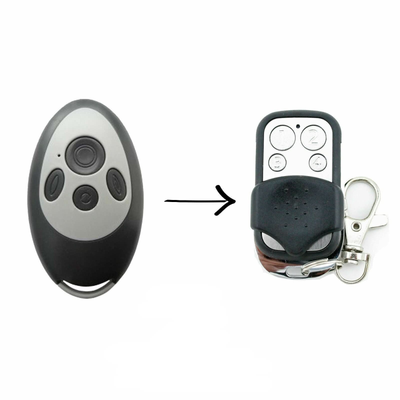
- SEIP Remote TM60 SKR433-1 SKRJ433 Replacement Garage/Gate SIEP Remote Control
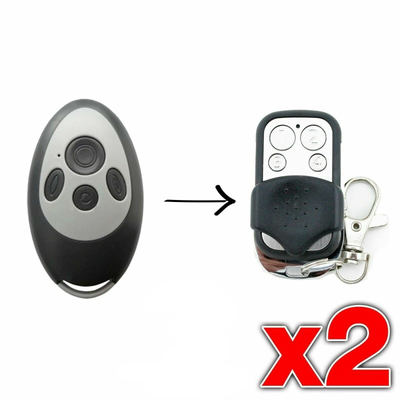
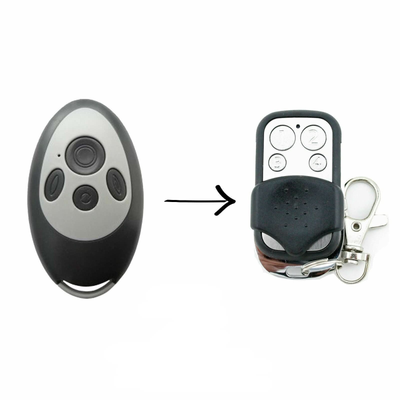
- [2 Pack] SEIP Remote TM60 SKR433-1 SKRJ433 Replacement Garage/Gate SIEP Remote Control
- Garage/Gate Remote SKR433-1 SKRJ433 Replacement to suit Gryphon Stealth TM60
- [2 Pack] Garage/Gate Remote SKR433-1 SKRJ433 Replacement to suit Gryphon Stealth TM60
SEIP and Gryphon Stealth openers learn a remote through a red button on the main circuit board. Hold it until the LED flashes, then hold the new remote until the LED stops.
Applies to
Compatible replacement remotes for the SEIP TM60, SKR433-1 and SKRJ433 handsets, including Gryphon Stealth TM60 openers.
Before you start
Switch the motor off before opening the cover, then switch it back on to program. Have the remote ready before pressing the red button.
Independent programming guide for compatible replacement remotes. Brand and model names belong to their respective owners.
Step-by-step instructions
Open the motor cover
Depending on the model, remove the screw and open the hinged cover on the SEIP motor. Locate the red push button on the main circuit board.
Enter learn mode
Press the red button for about 3 to 5 seconds until the LED indicator begins to flash. Flashing means the motor is in learn mode.
Hold a button on the new remote
Press and hold the button on the new remote that you want to operate the door. The LED on the motor stops flashing after 1 to 2 seconds once the remote is stored.
Test and close
Press the remote to test the door, then close the cover and refit the screw.
![[2 Pack] SEIP Remote TM60 SKR433 - 1 SKRJ433 Replacement Garage/Gate SIEP Remote Control - Battery Mate](http://www.batterymate.co.nz/cdn/shop/files/2-pack-seip-remote-tm60-skr433-1-skrj433-replacement-garagegate-siep-remote-control-141594.png?v=1742965743&width=400)