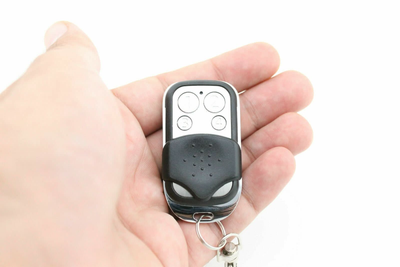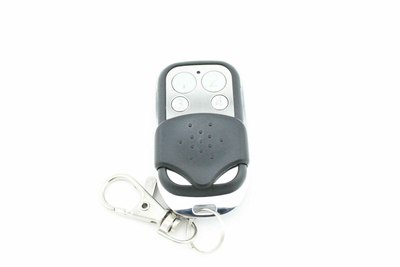

How to Program a B&D Firmamatic / Firmadoor Compatible Garage Remote (059409, 1A5477-1)
Pair a compatible B&D Firmamatic / Firmadoor remote in under a minute: hold the remote button, press Code Set on the motor until its light flashes, release and test.
- The new compatible remote with its battery fitted
- Access to the Code Set button on the B&D motor
- Step ladder if the motor is on the ceiling
B&D Firmamatic and Firmadoor openers have one of the quickest pairing routines around. Hold the remote button, tap Code Set on the motor, and the flashing light confirms the code is stored.
Applies to
Compatible replacement remotes for B&D 059409 and 1A5477-1 handsets used with Firmamatic, Firmadoor, Easylifter, Econolift and CAD4 / CAD5 garage door openers.
Before you start
Locate the Code Set button and its light on the motor. Have the remote in your hand with the battery fitted.
Independent programming guide for compatible replacement remotes. Brand and model names belong to their respective owners.
Step-by-step instructions
Hold the remote button
Press and hold the button on the new remote that you want to operate the door. Keep it held.
Press Code Set on the motor
While still holding the remote button, press and release the Code Set button on the motor. The Code Set light flashes to show it has learnt the remote.
Release and test
Let go of the remote button. Press it once to test; the door should operate.